Your Du Tourist SIM Card: Full Activation & Setup Guide
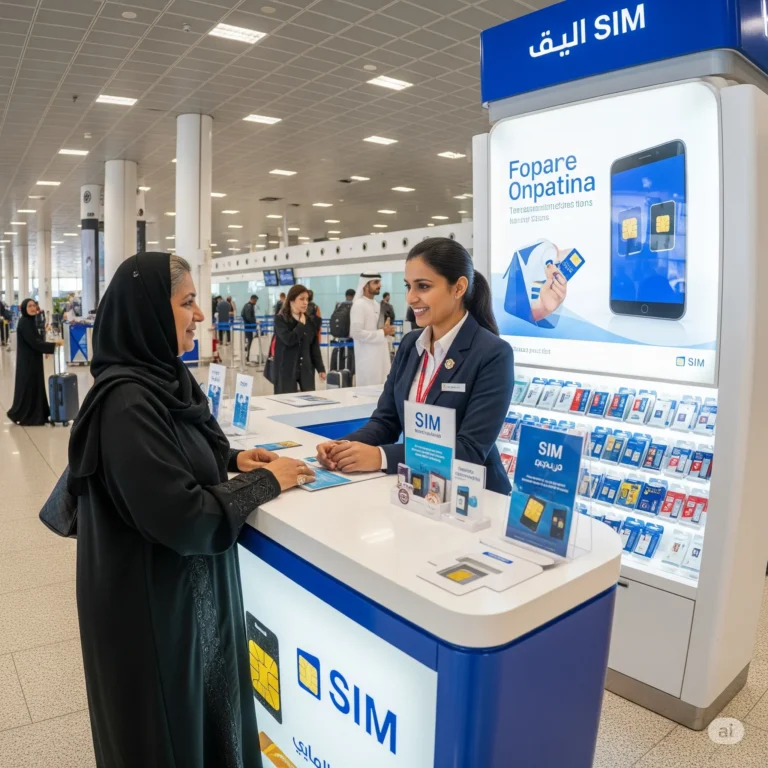
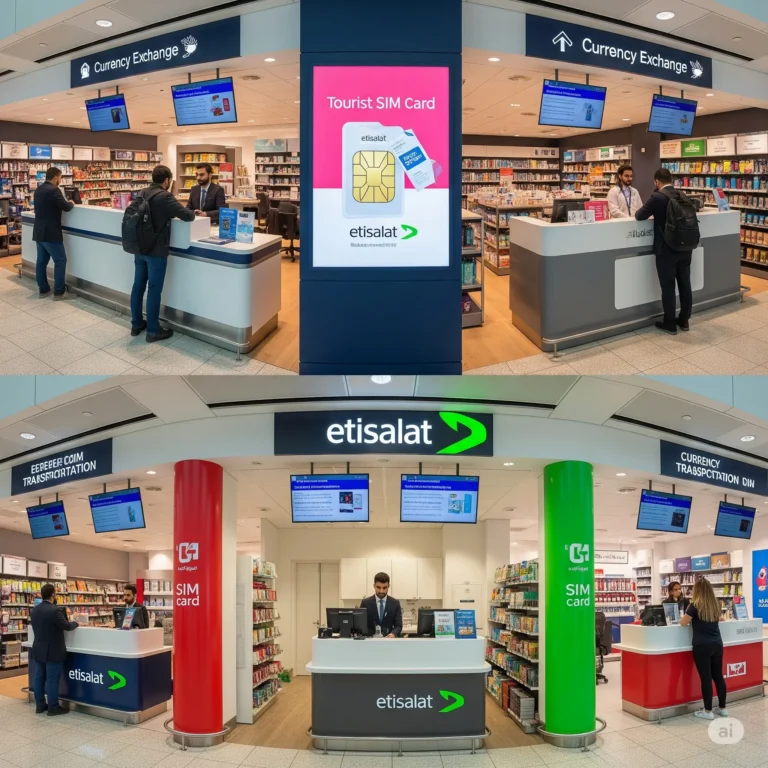
So you just bought a Du Tourist SIM Card at Dubai Airport or in the city? Great choice! Now, how do you make it work? Don’t worry – activating it is super easy. This guide explains everything step-by-step. Let’s get your phone connected!
Why Choose a Du Tourist SIM?
- Good coverage: Works everywhere in Dubai, Abu Dhabi, and the UAE.
- Affordable data: Cheaper than using your home SIM (roaming).
- Made for tourists: Easy plans for 1 day, 3 days, 7 days, or 30 days.
- Helpful staff: People at Du shops or airport kiosks speak English well.
What’s Inside Your Du Tourist SIM Pack?
When you buy it, you get:
- The SIM card itself (usually a “trio” size – fits any phone).
- A little paper leaflet with your phone number and important codes.
- Sometimes, a little starter credit (like 5 AED).
👉 KEEP THIS PAPER SAFE! It has your UAE phone number and your PUK code (needed if you ever lock your SIM by mistake).
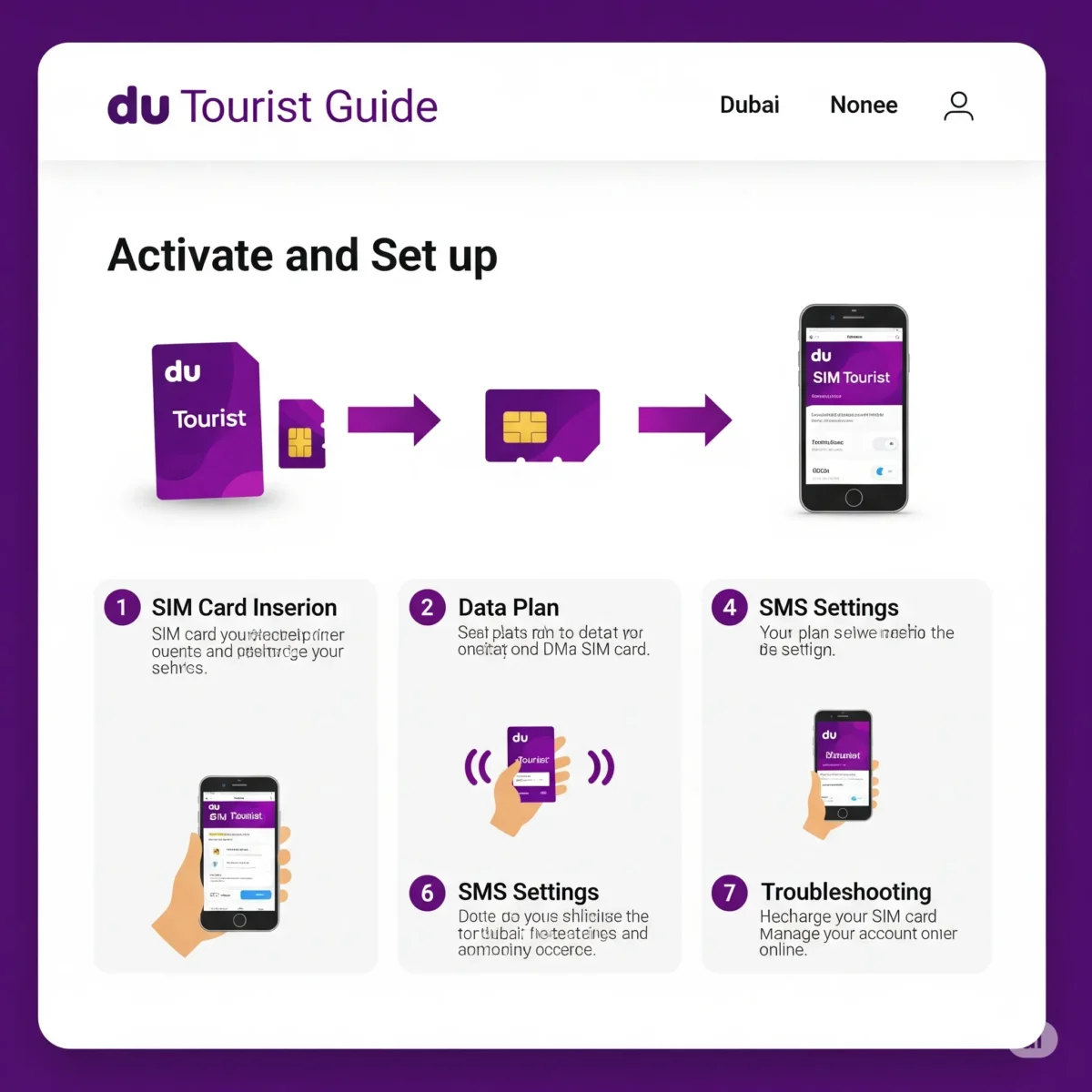
Step-by-Step: Activating Your Du Tourist SIM Card
1. Put the SIM Card in Your Phone
- Turn your phone OFF.
- Find the tiny hole for the SIM tray (usually on the side).
- Use the pin that came with your phone (or a paperclip) to open it.
- Take out your home country SIM card. Keep it safe!
- Put the Du SIM card into the tray. Make sure it fits nicely.
- Close the tray. Turn your phone ON.
2. Wait for the Signal (It’s Automatic!)
- Once your phone starts, it should automatically connect to the Du network.
- Look for “Du” or “E” (Edge), “3G“, “H+“, “4G“, or “LTE” at the top of your screen. This means it’s working!
- Wait 1-5 minutes. You will usually get 2 Welcome SMS messages:
- SMS 1: “Welcome to the UAE! Your new number is: +971 5X XXX XXXX”
- SMS 2: Tells you your data/call package is activated and your balance.
✅ That’s it! Activation is usually instant. If you bought it at the airport, the staff probably did this for you already.
What If It Doesn’t Work Automatically? (Easy Fixes)
Don’t panic! Try these simple steps:
- Restart Your Phone: Turn it off, wait 30 seconds, turn it on again. Often fixes it.
- Check Mobile Data is ON:
- Go to your phone’s Settings.
- Tap Mobile Data or Cellular Data.
- Make sure it’s switched ON.
- Look for “Mobile Data Network” or “Access Point Names (APN)“.
- If it’s empty, set it to
du(just typeduin all lowercase). Save it.
- Manual Network Select:
- Go to Settings > Mobile Data / Cellular > Network Selection.
- Turn OFF “Automatic”.
- Wait for networks to appear. Choose “Du”.
- Still Nothing? Call Du Customer Service: Dial 135 from any phone (ask your hotel or a friend). Tell them: “I just put in my Du Tourist SIM, but it’s not activating.”
Choosing & Activating Your Data/Call Package (The Important Part!)
Your SIM comes with a little credit, but you need to buy a plan for internet and calls. Here’s how:
Option 1: Dial a USSD Code (Super Quick!)
- Dial
*135#on your phone (like making a call). - A menu pops up! This is Du’s self-service menu.
- Look for options like:
Tourist BundlesInternet BundlesSpecial Offers
- Select
Tourist Bundles. - You’ll see packages:
- 1 Day: ~1GB data (~25 AED)
- 3 Days: ~3GB data (~55 AED)
- 7 Days: ~7GB data (~100 AED)
- 30 Days: ~12GB data + minutes (~150 AED) (Prices change slightly, check menu)
- Choose the package you want (e.g., “3 Days”).
- Confirm. The cost is taken from your SIM balance.
- You’ll get an SMS: “Your Tourist 3-Day Pack is activated! Enjoy X GB data…”
✅ Done! Your data is working.
Option 2: Use the “My du” App (Easy Management)
- Download the App: Go to your phone’s App Store (iPhone) or Play Store (Android). Search for “My du”. Download and install it.
- Open the App: It might ask for your phone number. Enter your new UAE number (from the SIM pack or SMS).
- Explore Plans: Look for sections like:
Tourist OffersData BundlesBuy Add-ons
- Select & Buy: Find the Tourist plan you want (1 Day, 3 Days, etc.). Tap “Buy” or “Subscribe”. Confirm.
- Payment: It will use the credit on your SIM. If you don’t have enough, it will tell you to top up first (see below).
Option 3: Visit a Du Shop or Kiosk (Get Help)
- Find a Du shop (in malls, airports, streets).
- Tell the staff: “I have a Du Tourist SIM. I want to activate the [1 Day / 3 Day / 7 Day / 30 Day] data package.”
- They will do it for you in 2 minutes. Easy!
How to Add Money (Top Up / Recharge)
Your data plan will expire. To keep using your SIM or buy a new package, you need to add money (“top up” or “recharge”):
Easy Ways to Add Money:
- Buy a “Recharge Voucher” (Scratch Card):
- Sold EVERYWHERE: Supermarkets (Carrefour, Lulu), small shops (“baqalas”), pharmacies, Du shops.
- Costs: 10 AED, 20 AED, 50 AED, 100 AED, etc.
- How to Use:
- Scratch off the silver panel to see the 16-digit PIN code.
- Dial
*135*<16-digit PIN>#(Example: If PIN is1234567890123456, dial*135*1234567890123456#). - Press CALL. You’ll get an SMS: “Recharge successful! Your balance is XX AED.”
- Use the “My du” App:
- Open the app.
- Go to
RechargeorTop Up. - Enter amount (e.g., 50 AED).
- Pay using credit/debit card or Apple Pay/Google Pay.
- Go to a Du Shop:
- Tell them: “I want to recharge 50 AED on this number: [your UAE number].”
- Pay cash or card. Done instantly.
- ATMs (Many UAE ATMs):
- Insert card.
- Look for “Mobile Recharge” or “Bill Payment”.
- Select “Du” as operator.
- Enter your UAE phone number.
- Enter amount. Confirm.
Checking Your Balance & Data
- Dial
*135#: Press CALL. A menu shows your balance and active packages. - “My du” App: Open it. Your balance and data left are shown on the main screen.
- SMS Alerts: Du automatically sends SMS when your data is low or your package expires.
Important Things Tourists Must Know
- Your SIM Expires in 30 Days: If you stay longer than 30 days, you MUST top up before the 30 days end. If you don’t, your number will be lost forever. Top up even 5 AED to keep it alive!
- Passport Registration is Mandatory: When you bought the SIM, they scanned your passport. This is UAE law. Keep a photo of your passport on your phone.
- Your Number: Save your UAE number in your phone! Tell your hotel and friends.
- Hotspot/Tethering is Allowed: You can use your phone as a Wi-Fi hotspot for your laptop or tablet. Turn it on in Settings > Hotspot.
- Calling Home? Use WhatsApp/Skype! International calls are expensive. Use WhatsApp, FaceTime, or Skype calls over your Du data instead.
- Coverage is Great: 4G/LTE works perfectly in Dubai, Abu Dhabi, cities, and highways. Might be slower deep in the desert.
Troubleshooting Common Problems
- No Internet?
- Check Mobile Data is ON (Settings > Mobile Data).
- Restart phone.
- Dial
*135#to check if you have an active data package or balance. - Ensure APN is set to
du(Settings > Mobile Networks > Access Point Names).
- Can’t Make Calls?
- Check your balance (
*135#). Do you have credit? - Did your call package expire? Tourist plans usually include limited minutes.
- Check your balance (
- SIM Not Working?
- Is it inserted correctly? Re-seat it.
- Is your phone unlocked? (Must be unlocked from your home carrier).
- Restart phone.
- Go to a Du shop for help.
- “SIM Locked” or “Enter PUK”?
- You entered the wrong PIN code 3 times.
- Find your PUK code (on the paper that came with the SIM, or get it via My du app, or call 135).
- Dial
**05*PUK*NewPIN*NewPIN#(ReplacePUKwith the 8-digit PUK code,NewPINwith a new 4-digit PIN you choose. Example: If PUK is12345678and you want new PIN4321, dial**05*12345678*4321*4321#). - Press CALL. It should unlock.
FAQs: Du Tourist SIM Activation
How long does activation take?
Usually 1-5 minutes. You’ll get welcome SMS messages.
Can I activate it before arriving in the UAE?
No. You need the physical SIM card and must be in the UAE for it to connect to the Du network.
My phone says “No Service” or “Emergency Calls Only”. What now?
Try manual network select (Settings > Mobile Networks > Choose “Du”). Restart phone. Check APN settings (should be du). If still stuck, visit a Du shop.
How do I know my UAE phone number?
Check the paper leaflet that came with the SIM. Or dial *135# – it often shows your number. Or call a friend – your number will appear on their phone.
Can I keep my UAE number for my next visit?
It’s very hard for tourists. Your SIM is linked to your current tourist visa. To keep the number, you must top up regularly before each 30-day expiry date. Don’t rely on this – get a new SIM next visit.
Where can I get help?
- Call Du: Dial 135 (free from your Du SIM).
- Visit any Du Shop or kiosk (staff are helpful).
- Use the “My du” App chat support.
Final Tip: Enjoy Your Trip!
Activating and using your Du Tourist SIM Card is straightforward. Follow these simple steps, and you’ll have fast, cheap internet all over the UAE. No more getting lost, no more hunting for Wi-Fi! Explore Dubai, share your photos, and stay connected easily. Have an amazing time! 🌇📱✈️