Your Stress-Free Guide to Buying a UAE SIM Card as a Tourist (Stay Connected Without the Headache
Traveling to the dazzling United Arab Emirates (UAE)? Whether you’re marveling at the Burj Khalifa in Dubai, exploring the cultural heart of Abu Dhabi, or venturing into the desert dunes, staying connected is essential. Using your home mobile plan can lead to eye-watering roaming charges. The smart solution? Getting a local UAE SIM card.
Don’t worry, it’s a straightforward process! This guide explains everything step-by-step, so you can get connected quickly and easily.
Why Bother with a UAE SIM Card?
- Save Serious Money: International roaming data and calls are notoriously expensive. A local SIM gives you affordable local rates for calls, texts, and crucially, mobile data.
- Fast & Reliable Internet: Access maps (like Google Maps or Waze), translation apps, ride-hailing apps (Careem, Uber), social media, and tourist information instantly.
- Local Calls: Need to book a table, call your hotel, or contact a tour operator? A local number makes this cheap and easy.
- Convenience: No need to hunt for Wi-Fi constantly. Have internet wherever your adventures take you.
- Peace of Mind: Knowing you can call for help, navigate, or stay in touch without worrying about a huge phone bill when you get home.

What You Absolutely NEED Before You Buy:
- Your Passport: This is non-negotiable. The UAE requires all SIM cards to be registered to a valid passport. Make sure it’s the same passport you used to enter the country. They will scan it.
- A Valid UAE Tourist Visa: This is usually stamped in your passport upon arrival if you’re from an eligible country (many nationalities get visas on arrival). Your SIM registration is linked to this visa.
- Your Phone: Obviously! Ensure it is unlocked from your home network. If it’s locked, it will only work with your home carrier’s SIM. Contact your carrier before you travel to unlock it. Most modern phones (bought outright or fully paid off) are unlocked, but double-check.
- Cash or Card: While cards (credit/debit) are widely accepted, having some UAE Dirhams (AED) in cash is always smart, especially for smaller kiosks or specific plans. ATMs are readily available at airports.
Where Can You Buy a Tourist SIM Card?
The easiest and most common places are:
- Airports (Highly Recommended):
- Why? Get connected IMMEDIATELY upon arrival. Essential for booking rides, contacting your hotel, or navigating.
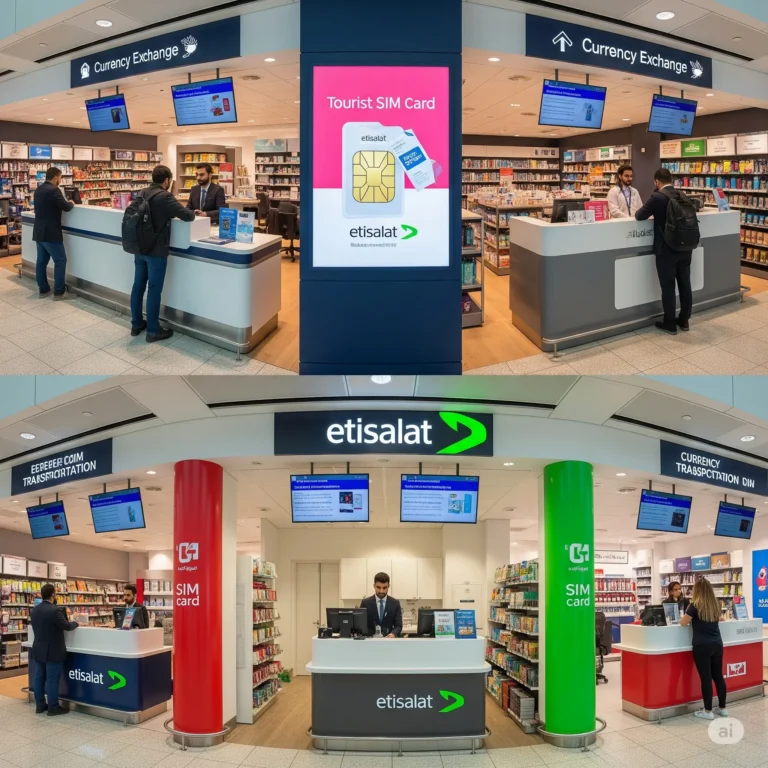
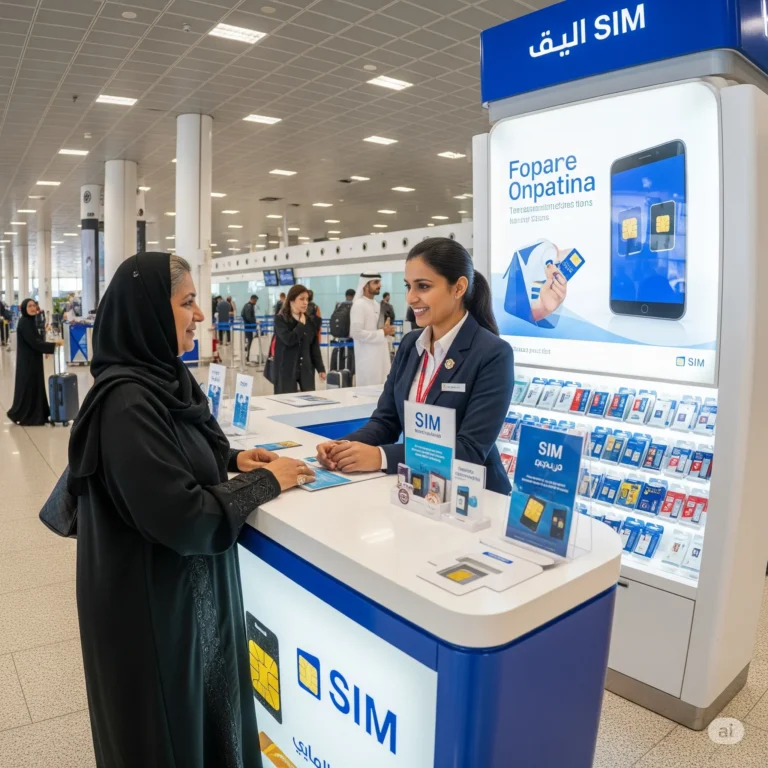
- Where? Look for official kiosks or stores of the major telecom providers (Etisalat, du, Virgin Mobile UAE) after you collect your luggage but before you exit the arrivals hall. They are hard to miss, usually brightly lit and staffed.
- Pros: Convenience, English-speaking staff used to tourists, competitive tourist-specific plans. Staff will often help you install and activate it.
- Cons: Can sometimes be slightly more expensive than city stores (though tourist plans are competitive), potential queues during peak times.
- Dubai Airports (DXB): Kiosks for Etisalat, du, and Virgin Mobile are prominent in all terminals (T1, T2, T3) in the baggage claim and arrivals areas.
- Abu Dhabi Airport (AUH): Similar setup with clear signage for providers in the arrivals hall.
- Official Brand Stores (Etisalat / du):
- Why? Wide range of plans, expert staff, reliable service. Found in major malls (like Dubai Mall, Mall of the Emirates, Yas Mall) and city centers.
- Pros: Comprehensive service, potential for better deals or promotions than airport sometimes, can get help with setup or troubleshooting.
- Cons: Requires travel from the airport/hotel, might involve waiting in line, less immediate than airport purchase.
- Authorized Resellers & Kiosks:
- Why? Found in many smaller malls, supermarkets (like Carrefour, Lulu Hypermarket), and some souks. Convenient if you’re already out exploring.
- Pros: Often more locations than official stores, potentially faster if not busy.
- Cons: Staff expertise can vary, might have a more limited selection of tourist-specific plans. Ensure it’s an authorized reseller.
The Big Three: UAE Mobile Providers for Tourists
The UAE has two main licensed telecom operators: Etisalat and du. Virgin Mobile UAE operates as a Mobile Virtual Network Operator (MVNO) using the du network. All offer tourist-specific plans.
- Etisalat:
- Network: Extensive coverage, generally considered very reliable nationwide.
- Tourist SIM Brand: Often branded as “Visitor Line” or “Tourist SIM”.
- Typical Tourist Plans (Prices can change, check current offers):
- Visitor Line SIM: Cost around 55 AED. Includes the SIM card, some initial credit (e.g., 5 AED), and requires you to choose a data/call package using that credit or topping up.
- Pre-Paid Tourist Bundles: Packages like:
- 1 Day: ~20 AED (e.g., 1GB data, 20 mins local calls)
- 3 Days: ~50 AED (e.g., 2.5GB data, 40 mins local calls)
- 7 Days: ~100 AED (e.g., 5GB data, 60 mins local calls)
- 30 Days: ~150 AED (e.g., 10GB data, 120 mins local calls)
- Activation: Usually straightforward at point of purchase. You’ll need your passport.
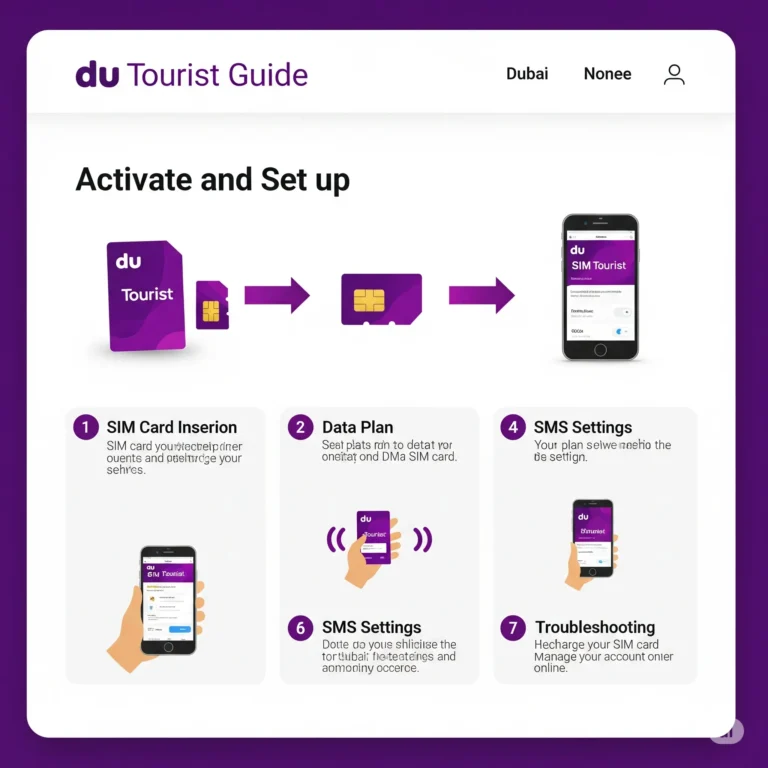
- du:
- Network: Also excellent nationwide coverage, strong competitor to Etisalat.
- Tourist SIM Brand: Marketed as “Tourist SIM” or “Visitor SIM”.
- Typical Tourist Plans:
- Tourist SIM Pack: Cost around 55-60 AED. Includes SIM, some initial credit (e.g., 5 AED), and free incoming calls/SMS.
- Pre-Paid Tourist Bundles:
- 1 Day: ~25 AED (e.g., 1GB data)
- 3 Days: ~55 AED (e.g., 3GB data)
- 7 Days: ~100 AED (e.g., 7GB data)
- 30 Days: ~150 AED (e.g., 12GB data, 30 mins local calls)
- Activation: Similar to Etisalat, done at purchase with passport.
- Virgin Mobile UAE:
- Network: Runs entirely on du’s infrastructure, so coverage is the same as du.
- Focus: Often targets younger audiences and tourists with flexible, app-managed plans.
- Tourist SIM Brand: “Visitor SIM”.
- Typical Tourist Plans:
- Visitor SIM Pack: Cost around 55 AED. Includes SIM, initial credit (e.g., 5 AED).
- Flexible Bundles: Known for customizable plans via their app. You buy “boosters”:
- Data Booster: e.g., 1GB for 7 days (~25 AED), 3GB for 30 days (~50 AED), 10GB for 30 days (~100 AED).
- Talk Booster: e.g., 50 mins local calls for 30 days (~25 AED).
- Combo Boosters: Mix of data and minutes.
- Activation: Requires downloading the Virgin Mobile UAE app and completing registration there (staff at airport/city kiosks will help). Passport needed.
Choosing the Right Plan: What to Think About
Don’t just grab the first SIM! Consider:
- Length of Stay: Are you there for 2 days or 2 weeks? Match the plan validity (1 day, 3 days, 7 days, 30 days).
- Data Needs: How much internet will you use?
- Light User: Checking maps, occasional social media, messaging (WhatsApp/Telegram) – 1-2GB per week might suffice.
- Moderate User: Regular social media, some web browsing, email, streaming music – 3-5GB per week.
- Heavy User: Lots of social media, navigation, streaming videos (YouTube), video calls – 5GB+ per week or consider larger packages.
- Call Needs: Do you plan to make many local calls (to hotels, tours, restaurants)? If mostly using WhatsApp calls and data, minutes might be less important.
- Budget: Compare the upfront cost of the SIM pack and the data/call bundles. Airport prices are generally fair for convenience.
- Flexibility: Virgin Mobile’s app-based boosters offer more granular control. Etisalat/du fixed bundles are simpler.
Step-by-Step: Buying & Activating Your SIM Card (Airport Example)
- Find the Kiosk: After baggage claim, look for Etisalat, du, or Virgin Mobile signs. There are usually multiple.
- Choose Provider & Plan: Approach the counter. Tell the staff you are a tourist and how long you are staying. Ask about their current tourist SIM plans and data bundles. Compare the options briefly based on your needs (data, calls, price).
- Hand Over Documents: Give them your passport (the one with your UAE entry stamp).
- Receive & Pay: They will process the registration. You’ll get the physical SIM card (usually a standard, micro, and nano SIM combo punch-out card) and pay for the SIM pack and your chosen bundle/credit. Get a receipt.
- Install the SIM: Power off your phone. Open the SIM tray (usually with a pin tool or paperclip). Remove your home SIM (keep it safe!). Insert the UAE SIM. Close the tray. Power on your phone.
- Activation:
- Etisalat/du: Usually activated instantly or within minutes. You might get a welcome SMS. Staff will likely confirm it’s working.
- Virgin Mobile: Staff will help you download the Virgin Mobile UAE app (ensure airport Wi-Fi or use your home data briefly). Follow the in-app steps to register using your passport details and the SIM number. Activation completes via the app.
- Top-Up (Recharge): Know how to add more credit before you run out!
- Where: Official stores, authorized resellers (kiosks, supermarkets), ATMs (look for telecom recharge option), provider websites/apps (need card), or buying scratch cards/vouchers.
- How: For scratch cards: Dial the recharge code (e.g.,
*121*<14-digit PIN>#for Etisalat,*135*<16-digit PIN>#for du, or use the Virgin app). Via app/website: Log in and follow payment steps. Staff at stores can usually do it for you. - Check Balance: Dial
*101#(Etisalat),*135#(du), or use the Virgin Mobile app. You’ll get an SMS with your balance and plan details.
Important Things Tourists Should Know
- Validity & Expiry: Tourist SIMs and their bundles have limited validity (e.g., 30 days). If you stay longer, you must top up before the expiry date to keep the number active. Ask about the grace period for top-up after expiry (it’s usually short, like 1-2 weeks max).
- Data Speeds: 4G/LTE is widespread and fast in cities. Speeds might be slower in very remote desert or mountain areas. Tourist plans usually have full-speed data up to the limit.
- Calling Costs: Calls to local UAE numbers are cheap. Calls to international numbers can be expensive. Use WhatsApp, FaceTime Audio, Skype, etc., over data for international calls whenever possible. Check the per-minute rates for international calls before dialing.
- Receiving Calls: Incoming calls are usually FREE on UAE plans. Important for ride-hailing drivers or tour guides calling you.
- Tethering/Hotspot: Most tourist plans allow you to use your phone as a Wi-Fi hotspot for your laptop or tablet. Confirm this when buying.
- Keep Your Passport Copy Handy: While you won’t need it constantly after activation, having a photo on your phone is wise.
- “Normal” Prepaid SIMs: You might find cheaper standard prepaid SIMs, but tourist SIMs are designed for ease of registration and offer suitable bundles. Stick with tourist SIMs for simplicity.
- eSIM Option: Etisalat, du, and Virgin Mobile UAE now offer eSIMs for compatible phones (most newer iPhones, Pixels, Samsung Galaxy S/Note/Z series). You can often purchase and activate these online before you travel or via the provider’s app upon arrival. Great if you want instant connectivity without swapping a physical SIM. Check provider websites for eSIM tourist offers.
Troubleshooting Common Issues
- No Signal/Network:
- Ensure SIM is properly inserted.
- Restart your phone.
- Check if Airplane Mode is off.
- Manually select the network: Go to Phone Settings > Mobile Network > Network Operators. Choose “Etisalat” or “du” (Virgin users choose “du”).
- Confirm the SIM is activated (wait 15-30 mins, check for welcome SMS).
- Check balance/validity – you might be out of credit or the plan expired.
- Data Not Working:
- Ensure Mobile Data is turned on in settings.
- Check Access Point Names (APN) settings. These usually configure automatically. If not, get the correct APN details from the provider’s website or customer service. (e.g., For Etisalat: APN =
etisalat.ae; du: APN =du). - Restart your phone.
- Check your data bundle hasn’t run out.
- Can’t Make Calls:
- Check your balance/plan validity (especially included minutes).
- Ensure you’re dialing local UAE numbers correctly:
05X XXX XXXX(remove any +971 or 0 if stored in your contacts? Usually dialing with the 0 is fine). For international calls, you need the full country code (e.g.,+1for US/Canada,+44for UK).
- SIM Registration Failed: This is rare at official points. Ensure your passport details match your visa exactly. Contact the provider’s customer service if unresolved.
Tips for a Smooth Experience
- Buy at the Airport: Seriously, it’s the most convenient time.
- Ask Questions: Staff at airport kiosks are there to help tourists. Ask about the best plan for your needs, how to top up, how to check balance.
- Get Staff to Install/Activate: Especially at the airport, let them put the SIM in and confirm it’s working before you leave the counter.
- Note Your UAE Number: Save it in your phone immediately. Tell your travel companions and your hotel.
- Download Provider Apps: Etisalat (Smiles), du (My du), Virgin Mobile UAE. Great for checking balance, topping up, buying more data/minutes, and managing your account.
- Set a Reminder for Expiry: If staying long, note the top-up deadline in your calendar to avoid losing your number.
- Consider an eSIM: If your phone supports it, explore pre-purchasing an eSIM online for seamless activation upon landing.
Conclusion: Stay Connected, Explore Freely
Getting a UAE SIM card as a tourist is a simple, essential step for a smooth and affordable trip. With your passport ready, head to the official kiosks at the airport, choose a tourist plan from Etisalat, du, or Virgin Mobile that fits your stay and data needs, and let the staff help you activate it. Within minutes, you’ll have fast, local mobile data and calling at your fingertips.
No more getting lost because you couldn’t load the map. No more frantic searches for Wi-Fi to call a taxi. No more bill shock when you get home. Just the freedom to explore the incredible UAE, share your experiences instantly, and navigate with confidence. Enjoy your trip!